Dataset & Usage
Grab the 400 tasks and the simulation environment, run the baseline, and
put your method on the leaderboard.
Released under an open license — free for research and competition use.
Task Specification Format
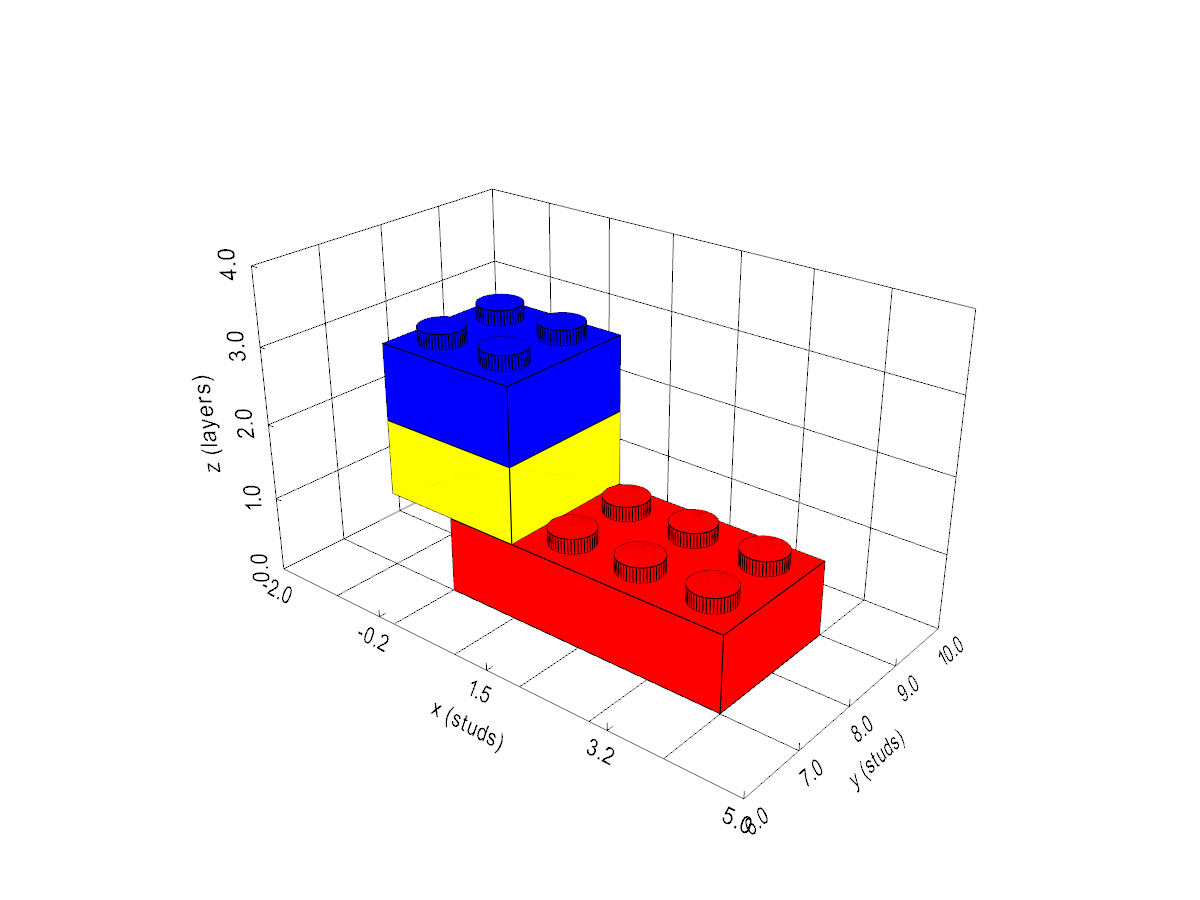
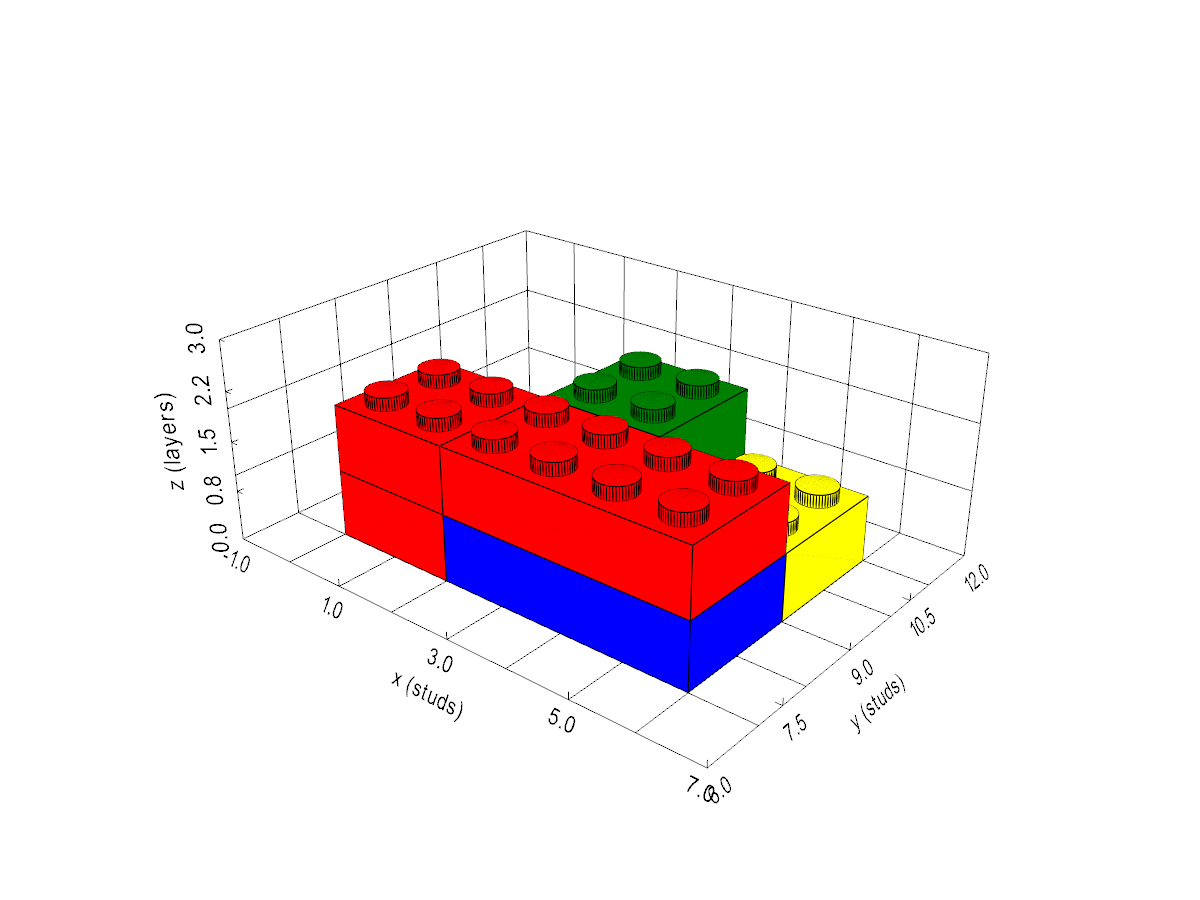
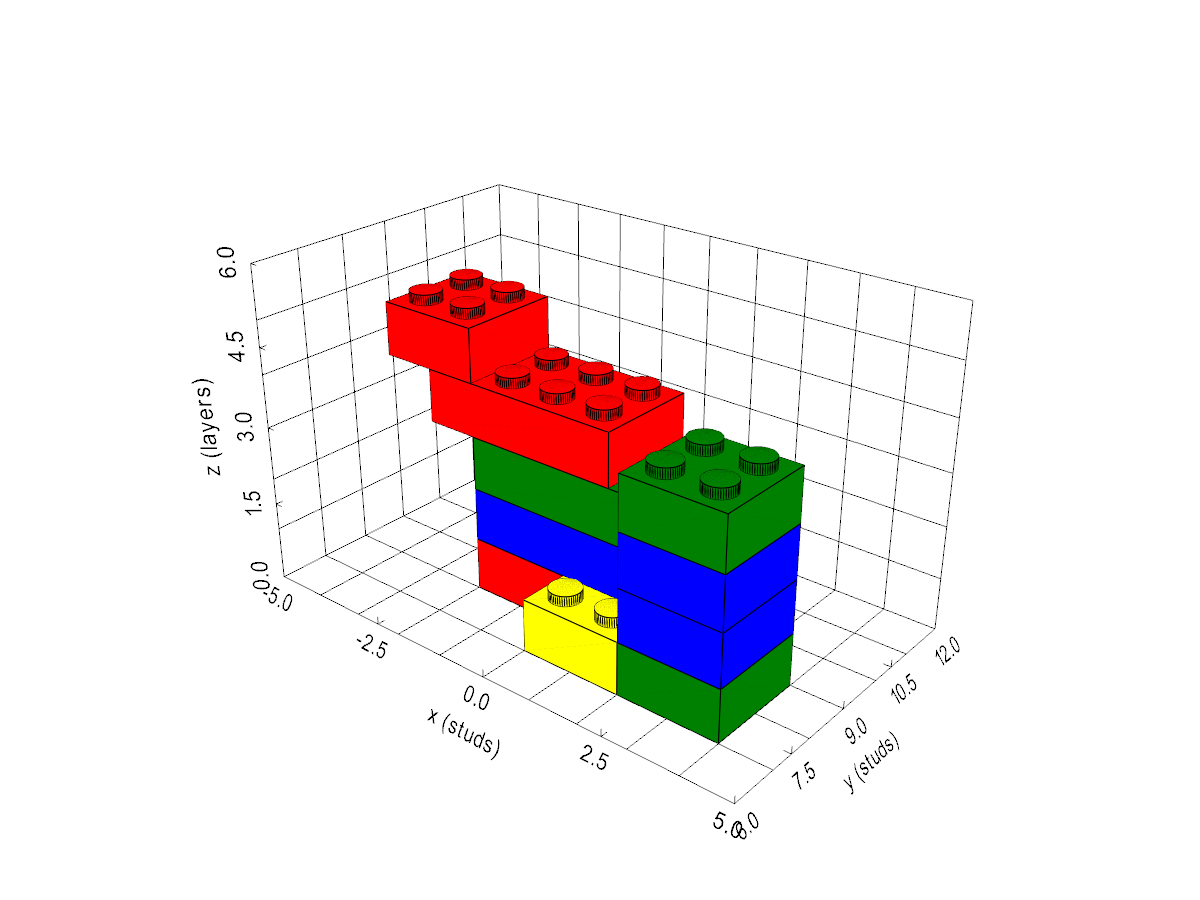
Each task is a structured YAML file describing the target product as a set of bricks.
Every brick has a name (a key, not bound to a specific physical brick),
a type (e.g. brick_2x2, brick_4x2), a
color, a pos (translation, in metres) and a
rotation (Euler angles, in degrees), all relative to a common frame.
blocks:
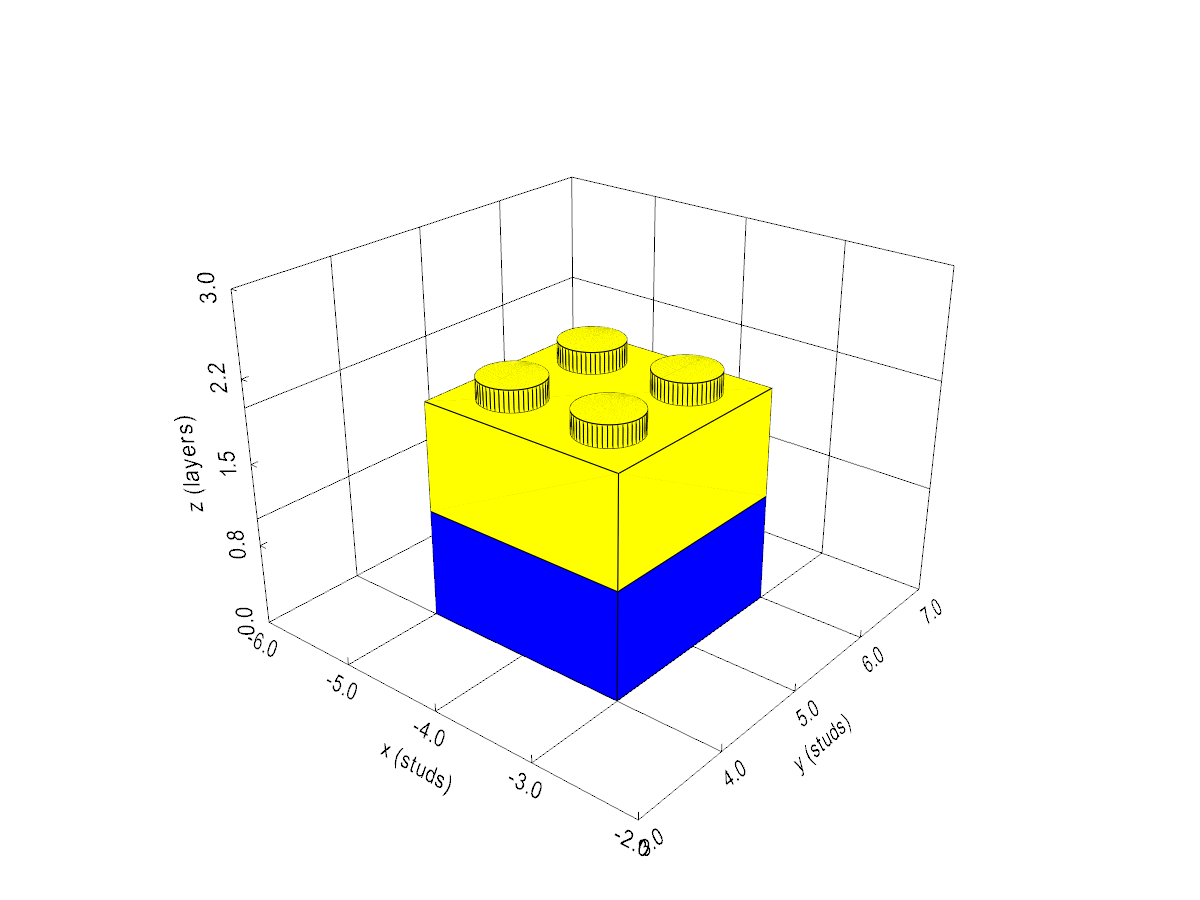
  - name: "2x2_brick_1"
    type: "brick_2x2"
    color: "blue"
    pos: [-0.096, 0.084, 0.0]
    rotation: [0, 0, 0]

  - name: "2x2_brick_2"
    type: "brick_2x2"
    color: "yellow"
    pos: [-0.096, 0.084, 0.02]
    rotation: [0, 0, 90]
Loading a Task in Python
import yaml

with open("tier1.yaml") as f:
    task = yaml.safe_load(f)

for brick in task["blocks"]:
    print(brick["name"], brick["type"], brick["color"],
          brick["pos"], brick["rotation"])
Running the Simulation
Tasks run in the provided MuJoCo + LIBERO environment. Grab the
code below and follow the quickstart to roll out a task or evaluate a method.
# Setup and launch instructions — TBD
# (released together with the simulation code)
License
Everything is released openly upon publication, with the dataset and the code licensed
separately (to be confirmed):
- Dataset (tasks & assets) — planned CC BY 4.0.
- Code (simulation environment & baseline) — planned MIT.
FAQ
How do I load a task?
Each task is a YAML file; use the Python snippet above (yaml.safe_load) or
the loaders in the released code.
Which split should I report?
Report all four tiers, averaged per tier, exactly as in the leaderboard. The 40
real-robot tasks (10 per tier) are a separate track.
Can I use the initial-state file as input?
No — it is only for setting up the task. Methods must perceive the scene; see the
task rules.
How do I get on the leaderboard?
Follow How to Submit. Providing a reproducible
(e.g. Apptainer/Docker) run is encouraged.